
To access the Virtual bank Account details, follow the steps below:
Step 1: Please click "Virtual Bank Account" in your left-hand sidebar.
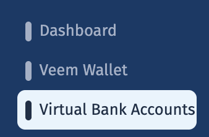
Step 2: Click on the Virtual Bank Account and the needed Account
Step 3: Click on View Details to access all the needed information
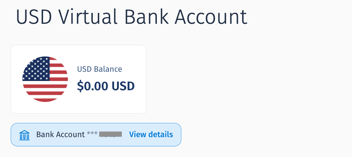
From there you can review your account details and copy them if needed.
Still need help? You can chat or call our Customer Success team here.