
Step 1: Please click "Verem Virtual Bank Account" in your left-hand sidebar.
Step 2: Click on the Virtual Bank Account Tab and the account needed
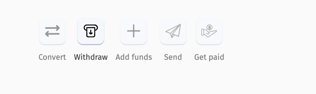
Step 3: Click on Withdraw from the top right options
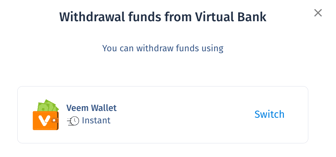
Step 4: Select the account for thef udns to deposit into
Step 5: Enter the amount and click withdraw
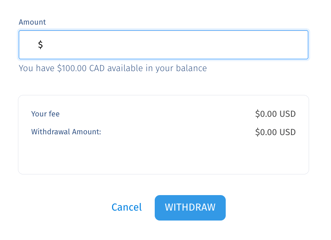
That's it! a payment will be created and the funds will process to your choosen receiving method.
Still need help? You can chat or call our Customer Success team here.